Your first API call
Saying hi to Claude might warm your heart, but it's not really useful. In this lesson we'll send Claude something real and get structured insight back — in just under 20 lines of code.
한국어 대본
- 00:00Claude에게 인사하면 마음이 따뜻해질 수 있지만, 그다지 유용하지는 않습니다.
- 00:06그러니 실제 문서를 보내고 20줄이 채 안 되는 코드로 구조화된 인사이트를 받아 보겠습니다.
- 00:15먼저 platform.claude.com에서 API 키를 가져옵니다.
- 00:18미리 크레딧을 구매해야 합니다.
- 00:23API 키를 가져와 .env.local 파일에 저장하면 버전 관리에 포함되지 않습니다.
- 00:29다음으로 SDK를 설치합니다.
- 00:31다음 명령을 실행합니다: npm install at anthropic-ai.sdk
- 00:35이제 모든 API 호출은 messages.create 함수로 전달됩니다.
- 00:44세 가지를 지정합니다.
- 00:46모델, max tokens 제한, 그리고 메시지 목록입니다. 메시지는 다음 중 하나를 포함하는 객체입니다
- 00:53user 또는 assistant 역할을 포함합니다.
- 00:55다른 곳에서 Claude와 대화할 때와 비슷한 구조입니다.
- 01:01Claude에게 hello보다 조금 더 흥미로운 것을 줘 보겠습니다.
- 01:04버그가 있는 코드를 전달하고 검토를 요청하겠습니다.
- 01:08전체 내용은 다음과 같습니다.
- 01:10파일 하나, 코드 약 20줄입니다.
- 01:12여기서 주목할 점은 두 가지입니다.
- 01:14첫째, system에서 페르소나를 구성합니다.
- 01:17간결한 시니어 리뷰어를 원합니다.
- 01:19수다스러운 리뷰어는 아니므로 그렇게만 말합니다.
- 01:22둘째, message.content는 블록 배열입니다.
- 01:25문자열이 아닙니다. 기본 텍스트 응답에는 보통 text 타입의 블록 하나만 있지만, Claude는
- 01:31text, tool calls, thinking 등 여러 블록을 반환할 수 있습니다. 따라서 항상 반복하면서 타입을 확인합니다.
- 01:37실행해 보겠습니다. 그러면 Claude가 add가 뺄셈을 하고 있다는 점을 찾아 한 문단으로 알려 줍니다.
- 01:43그게 전부입니다. 이것이 전체 API 호출입니다. 실제 제품에서는 같은 messages.create 형태가
- 01:49summarize 엔드포인트 같은 기능의 엔진이 됩니다. 데이터베이스에서 회의 대본을 가져와
- 01:54인사이트와 위험을 추출하라는 시스템 프롬프트와 함께 Claude에 전달하고 결과를
- 01:58행에 다시 저장해 UI로 반환합니다. 같은 호출이지만 라우트 핸들러로 감싼 형태입니다.
- 02:04첫 API 호출은 모델, 토큰 제한, 메시지가 포함된 messages.create 함수입니다.
- 02:12시스템 프롬프트를 추가해 Claude의 동작을 조정합니다. 이제부터 모든 것은 이 패턴을 기반으로 확장됩니다.
Get set up
First, grab an API key from platform.claude.com. You'll need to purchase some credits beforehand.
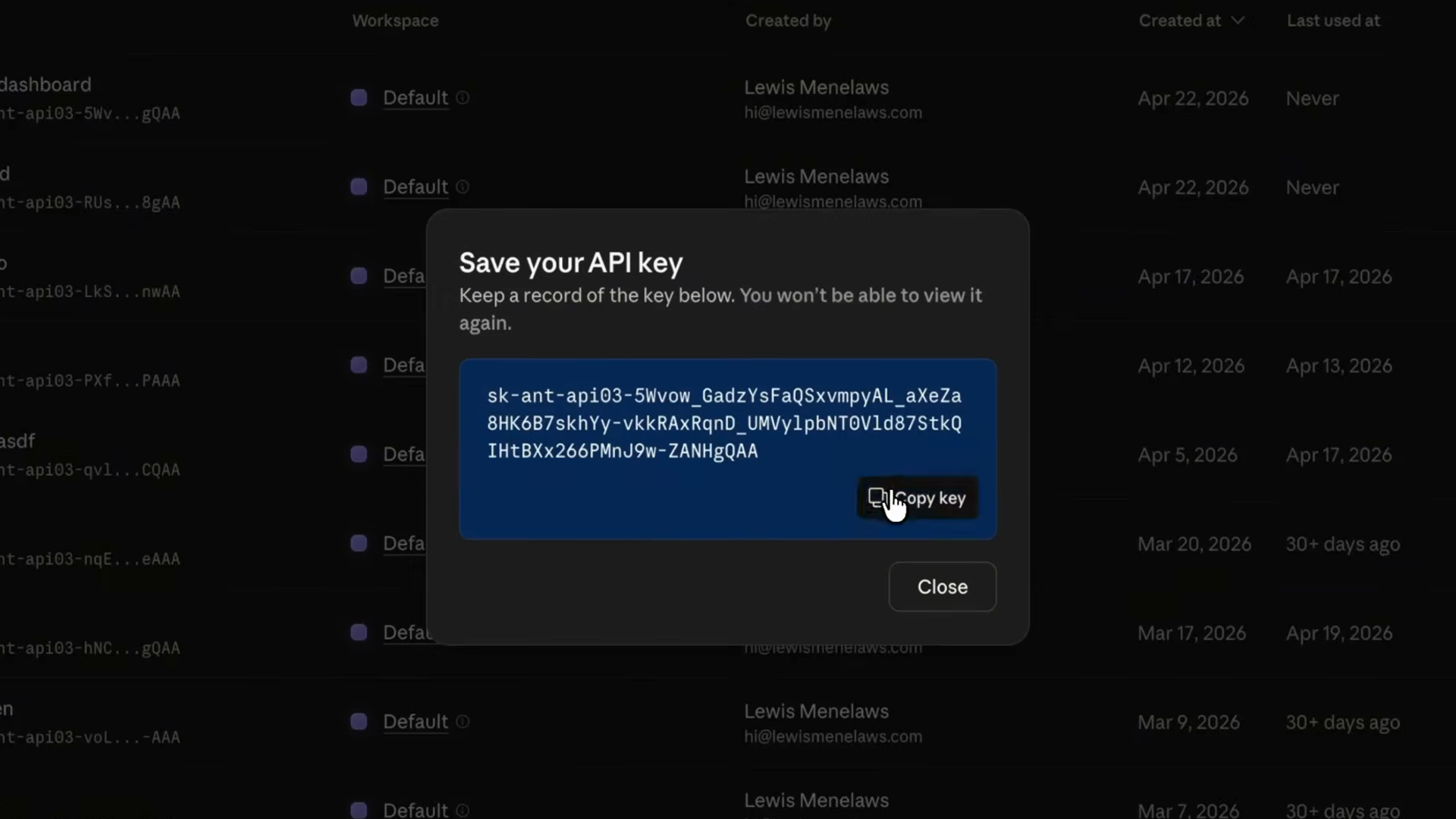
Take the API key and store it in a .env.local file so it stays out of your version control. Hardcoding keys in source files is how they end up leaked on GitHub — keep them in environment files instead.
Next, install the SDK:
npm install @anthropic-ai/sdkThe anatomy of a request
Every API call goes through the messages.create function. You specify three things:
- A model — which Claude model handles the request
- A max tokens limit — a cap on how long the response can be
- A list of messages — objects with either
userorassistantroles, structured similarly to how you'd have a conversation with Claude elsewhere
Here's what that looks like in its most basic form:
A real example: reviewing buggy code
Let's give Claude something a little more interesting than "hello." We'll point it at some buggy code and ask for a review. Here's the whole thing — one file, about 20 lines of code:
Two things to notice here:
- The
systemprompt is where you shape the persona. I want a terse senior reviewer, not a chatty one — so I just say that. - The
message.contentin the response is an array of blocks, not a string. For a basic text reply there's usually just one block of typetext, but Claude can return multiple blocks — text, tool calls, thinking — so we always loop and check the type.
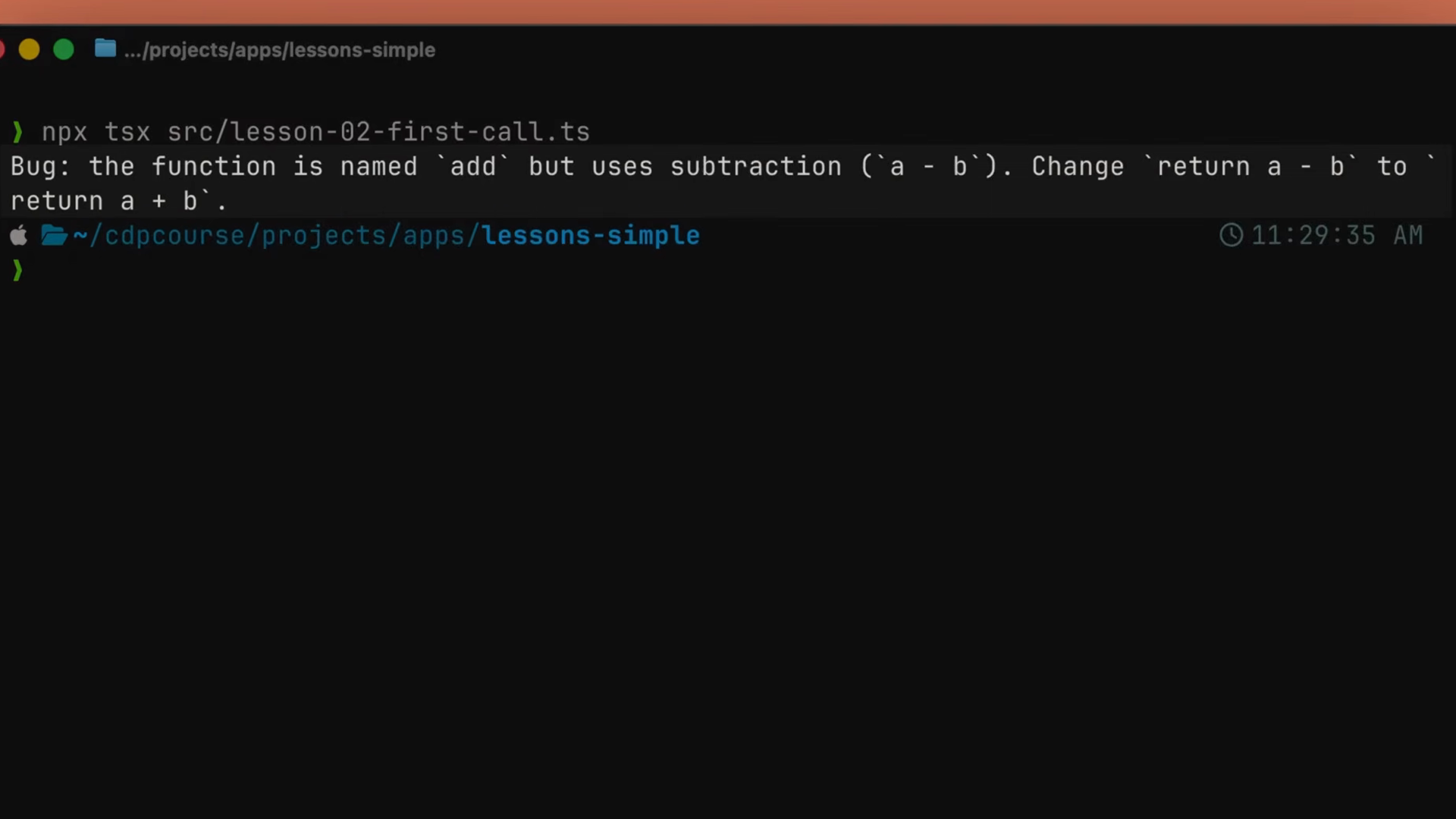
Run it, and Claude spots that add is subtracting and tells you in one paragraph. That's it. That's the whole API call.
From script to product
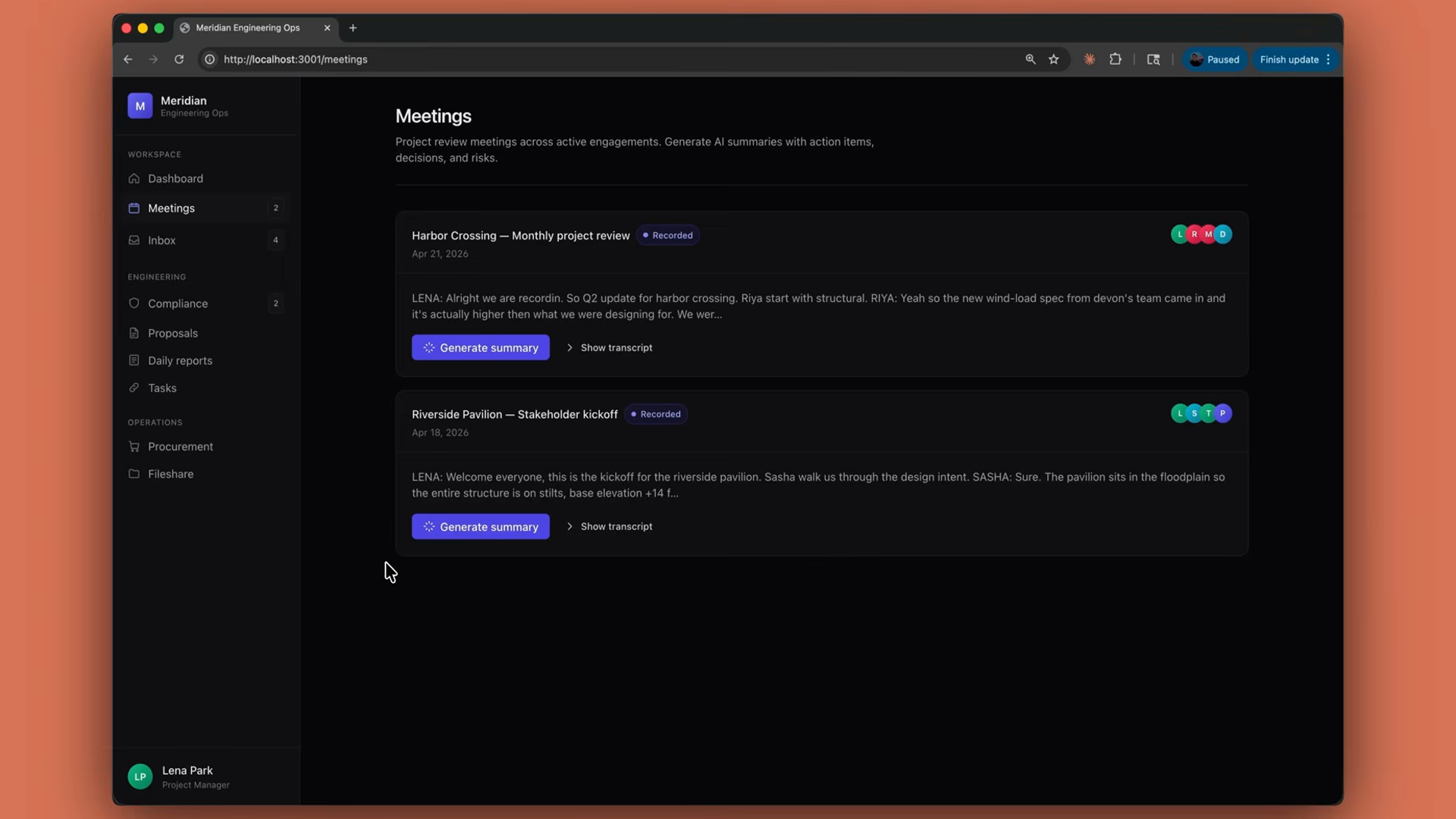
In a real product, this same messages.create shape is the engine behind something like a summarize endpoint. Pull a meeting transcript out of the database, hand it to Claude with a system prompt that says "extract insights and risks," save the result back on the row, and return it to the UI. It's the same call — just wrapped in a route handler.
Recap
- Your first API call is a
messages.createfunction with a model, a token limit, and messages. - Store your API key in a
.env.localfile to keep it out of version control. - Add a system prompt to shape Claude's behavior.
- The response
contentis an array of blocks — loop and check each block'stype. - From here, everything builds on this pattern.