MCP
We have tools, skills, and connectors. So why does MCP exist? At first glance it looks like a second API stacked on top of the API. Fair question — and the answer comes down to who maintains the integration code.
한국어 대본
- 00:00tools, skills, connectors가 있습니다.
- 00:04그렇다면 MCP는 왜 존재합니까?
- 00:06API 위에 놓인 두 번째 API처럼 보입니다.
- 00:09좋은 질문입니다.
- 00:13이제 에이전트가 Asana에서 작업을 가져오고 Google
- 00:17캘린더를 확인하거나 Slack을 한 번에 검색해야 한다고 해 보겠습니다.
- 00:21custom tools를 사용하면 여기서 통합 세 개를 작성해야 하지만, 그러고 나면
- 00:25API가 바뀔 때마다 그 통합을 하나하나 유지 관리해야
- 00:29서비스마다 이런 일이 자주 발생합니다. 축하합니다. 이제 서드파티
- 00:34API 래퍼 더미를 유지 관리하게 되었습니다. MCP는 그 유지 관리를 서비스 제공업체로 옮깁니다. 그래서 Asana는 MCP
- 00:40서버를 게시합니다. Slack도 하나를 게시합니다. Google도 하나를 게시합니다. 각 서버는 표준 프로토콜을 통해 자체 도구와
- 00:45설명, 스키마, 인증을 노출합니다. 아무것도 변경하지 않아도 됩니다.
- 00:52이 세 기능은 서로 다른 일을 합니다. Tools는 Claude를 내부 시스템,
- 00:57데이터베이스, 프로젝트 추적기, 독점 API에 연결합니다. 코드를 소유하므로
- 01:02유지 관리도 직접 맡습니다. Skills는 Claude에게 절차를 가르칩니다. 보고서 템플릿과 검토
- 01:08체크리스트 같은 것입니다. Skills는 반드시 통합인 것은 아닌 지침입니다. 그리고 MCP는 Claude를 서드파티
- 01:14서비스에 연결하며, 그 통합은 서비스 제공업체가 유지 관리합니다. Asana 래퍼를 직접 작성하지 않고,
- 01:19Asana가 작성합니다. 그래서 이 모든 내용을 짧게 요약하면 tools는 자체 시스템에,
- 01:23Skills는 자체 프로세스에, MCP는 다른 사람이 제공하는 서비스에 사용합니다.
- 01:30MCP를 가장 깔끔하게 체감하는 방법은 Claude를 아무 MCP 서버에 연결하고 무엇이 있는지 탐색하게 하는 것입니다.
- 01:36예시에서는 linear MCP 서버를 사용하겠습니다. 이 내용을 모두 제 .emv 파일에 넣었습니다.
- 01:43그러면 연결해서 사용할 수 있는 도구를 확인합니다. 보시는 것처럼,
- 01:47MCP 서버의 키가 연결을 선언합니다. 타입이 있고, URL이 있고,
- 01:53참조할 이름이 있으며, 선택적으로 인증 토큰도 있습니다. 그리고 MCP toolset 타입의 tools가
- 02:02Claude가 해당 서버에서 사용할 수 있는 도구를 설정합니다. 기본값은 모두 사용하도록 되어 있지만,
- 02:07범위를 좁히려는 경우에는 반드시 여기에 지정하세요. 이제 단 하나의
- 02:12도구 스키마도 작성하지 않았다는 점에 주목하세요. Claude는 서버를 인트로스펙션하여 도구 목록과 스키마를 다시 가져오고,
- 02:18프롬프트에 맞는 도구를 선택합니다. 그리고 이 영상 시점에는 현재 베타입니다.
- 02:22베타 헤더에 주목하세요. 이제 실행해 보겠습니다. MCP URL이 예를 들어 linear의 MCP 엔드포인트를 가리키면,
- 02:32Claude가 linear의 도구를 나열한 다음 하나를 호출합니다. 기본적으로 모든 호환 서버에서도 동일합니다.
- 02:37도구를 하나도 정의하지 않았습니다. linear 클라이언트도 작성하지 않았습니다. 그 관리는 Linear가 맡습니다.
- 02:45MCP 서버는 흔히 매우 많은 도구를 노출하며, Claude가 언제나 그 모두를 사용하기를 원하는 것은 아닙니다.
- 02:51일부 쓰기 권한을 사용하지 못하게 하려는 경우일 수도 있고, 그 모든 내용을 컨텍스트에 저장하고 싶지 않은 경우일 수도 있습니다.
- 02:57그렇다면 기본적으로 모두 비활성화한 다음 원하는 특정 도구만 활성화해 보겠습니다.
- 03:02이제 Claude는 Slack을 검색하고 채널을 나열할 수 있지만, 게시하거나 삭제할 수는 없습니다.
- 03:06서비스가 내용을 읽도록 신뢰하지만, Claude가 실수로 대신 작성하는 것은 원하지 않을 때 유용합니다.
- 03:12MCP는 다른 사람이 이미 구축한 통합을 직접 유지 관리하지 않아도 되도록 존재합니다.
- 03:16Tools는 데이터를 위해, Skills는 프로세스를 위해, MCP는 서드파티 서비스를 위해 사용합니다.
- 03:21사용 가능한 서버 목록을 확인하고 이 프로토콜을 더 알아보려면 modelcontactprotocol.io로 이동하세요.
The maintenance problem
Say your agent needs to pull tasks from Asana, check a Google Calendar, and search Slack — all in one go. With custom tools, you have to write three integrations. That part is doable. The painful part comes after: you also have to maintain those integrations every time one of those services changes its API, which happens often. Congratulations, you're now maintaining a pile of third-party API wrappers.
MCP shifts that maintenance to the service provider. Asana publishes an MCP server. Slack publishes one. Google publishes one. Each server exposes its own tools — with descriptions, schemas, and authentication — through a standard protocol. When their API changes, they update their server. You change nothing.
Tools vs. skills vs. MCP
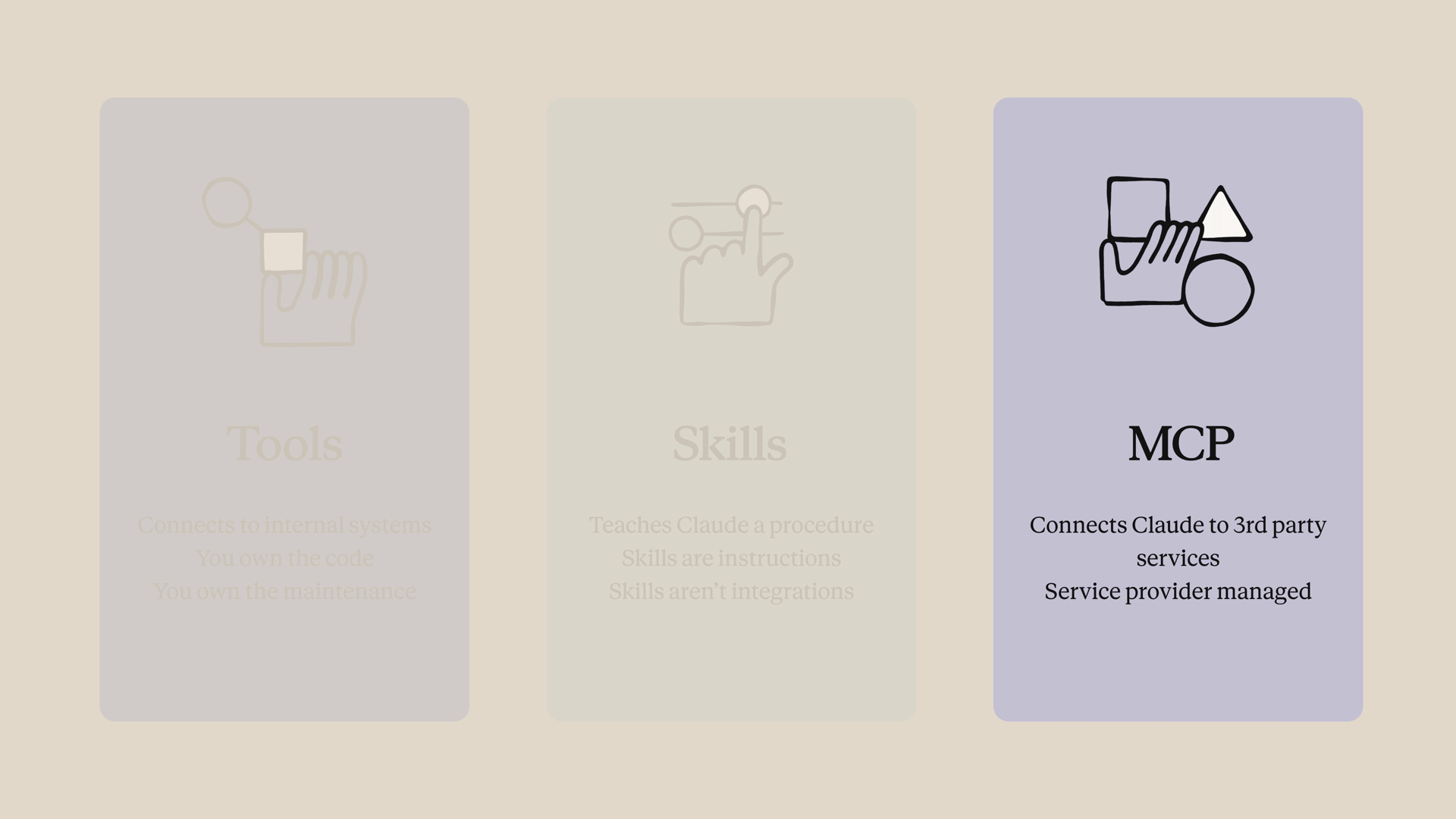
These three features do different jobs:
- Tools connect Claude to your internal systems — your database, your project tracker, your proprietary APIs. You own the code, so you also own the maintenance.
- Skills teach Claude a procedure — your report template, your review checklist. Skills are instructions, not necessarily integrations.
- MCP connects Claude to third-party services, where the service provider maintains the integration. You don't write the Asana wrapper — Asana did.
The short version: tools are for your stuff, skills are for your processes, and MCP is for everyone else's stuff.
Connecting to an MCP server
The cleanest way to get a feel for MCP is to point Claude at any MCP server and let it discover what's there. For this example, we'll use the Linear MCP server, with the connection details and auth token stored in a .env file.
Two pieces work together in the request. The mcp_servers key declares the connection — a type, a URL, a name to refer to it by, and optionally an auth token. Then a tool with the type mcp_toolset configures which tools Claude can use from that server. The default is all of them, but if you want to scope it down, this is where you do it.
Notice that we never wrote a single tool schema. Claude introspects the server, gets the list of tools and their schemas back, and picks the right one for the prompt. As of this lesson, the MCP connector is in beta — note the beta header in the request.
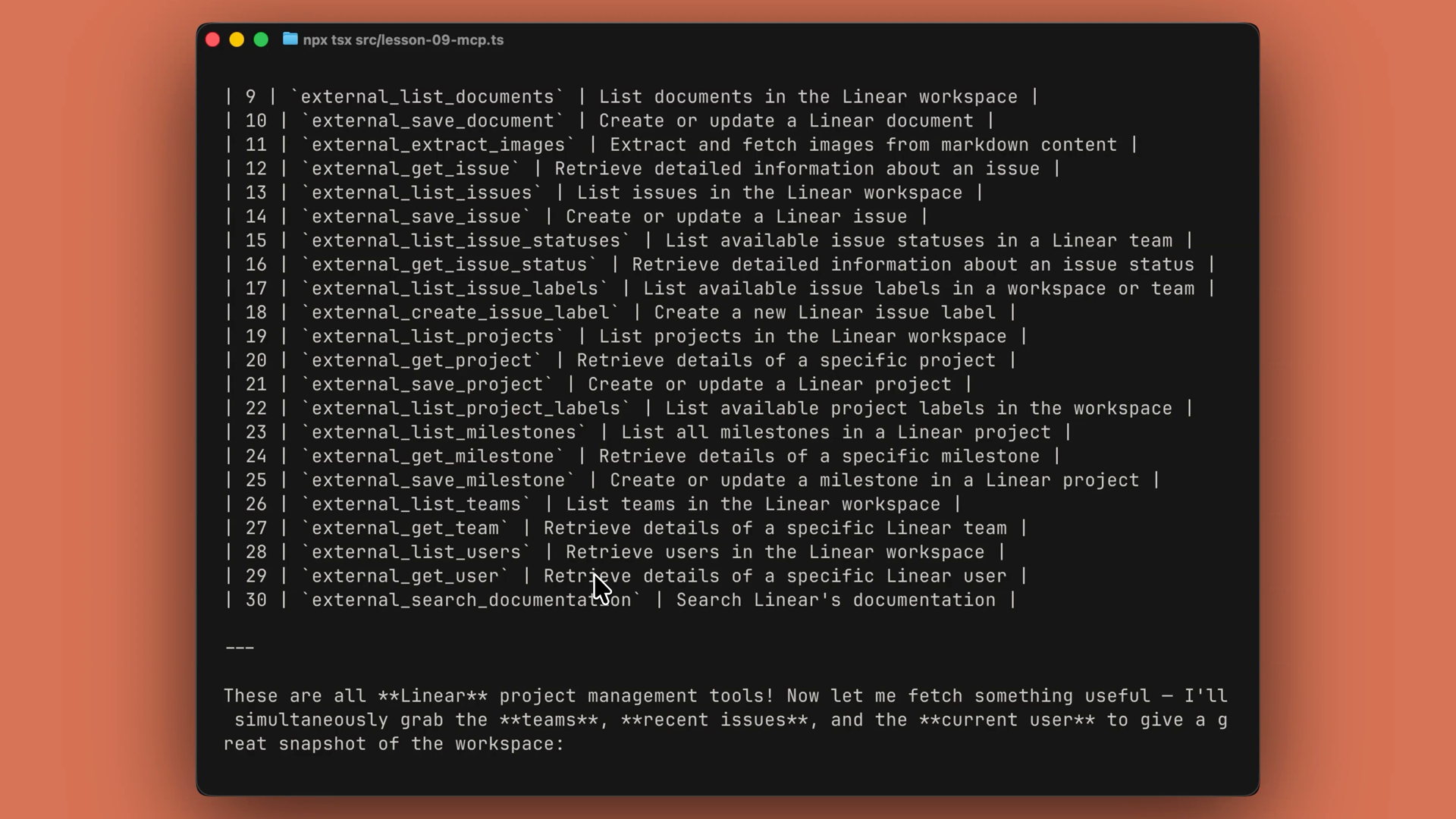
Run it, and if your MCP URL points at Linear's MCP endpoint, Claude lists Linear's tools and then calls one. The same works for basically any compliant server. We didn't define a single tool. We didn't write a Linear client. Linear is maintaining that.
Filtering which tools Claude can use
MCP servers often expose many, many tools — and you don't always want Claude using all of them. Maybe you don't want it to have write permissions, or you just don't want all those tool definitions taking up context.
The fix: disable everything by default, then enable only the specific tools you want. Here's that pattern with a Slack MCP server:
Now Claude can search Slack and list channels, but it can't post or delete. This is useful when you trust a service for reads but don't want Claude writing on your behalf by accident.
Recap
- MCP exists so you don't have to maintain integrations someone else has already built. The service provider publishes an MCP server and keeps it up to date — you change nothing when their API changes.
- Pick the right feature for the job: tools for your data, skills for your process, MCP for third-party services.
- Declare the connection in
mcp_servers(type, URL, name, optional auth token) and grant access with anmcp_toolsetentry intools. Claude introspects the server and discovers the tools on its own — no schemas to write. - Scope down access by setting
default_config: {"enabled": False}and enabling specific tools inconfigs— handy for keeping a server read-only. - The MCP connector is currently in beta, so include the beta header on your requests.
- Visit modelcontextprotocol.io for the list of available servers and to learn more about the protocol.