What is thinking?
Some tasks need more than a quick answer. Claude can work through a problem before responding — a feature called extended thinking. In this lesson, we'll look at what thinking is, how it works, and when it actually helps.
한국어 대본
- 00:00어떤 작업은 빠른 답변 이상이 필요합니다.
- 00:05그리고 Claude는 응답하기 전에 문제를 해결할 수 있습니다.
- 00:08그리고 이것을 확장된 사고라고 합니다.
- 00:13확장된 사고를 사용하면 Claude가 최종 응답을 생성하기 전에 단계별로 추론할 수 있습니다.
- 00:17활성화하면 Claude는 내부 추론 토큰을 생성하며, 이는 흔히 사고의 연쇄라고 불리며,
- 00:22그런 다음 답변을 전달합니다.
- 00:24최종 텍스트와 함께 응답에서 추론 내용을 볼 수 있습니다.
- 00:27그래서 Opus 4.7에서는 사고가 적응적입니다.
- 00:31토큰 예산을 선택하지 않습니다.
- 00:33이 기능을 켜면 Claude가 언제, 얼마나 오래 생각할지 동적으로 결정합니다.
- 00:37이제 Claude가 얼마나 생각할지 제어하려면 effort 매개변수를 사용하세요.
- 00:41하지만 이 매개변수는 출력 구성 안에 들어가며, 사고 블록 옆이 아닙니다.
- 00:44레벨은 low, medium, high, extra high, max입니다.
- 00:48기본값은 high로 설정되어 있습니다.
- 00:50확장된 사고는 수학, 여러 단계로 이어지는 논리, 코드 디버깅, 규제 분석,
- 00:56절충이나 옵션 비교가 필요한 모든 작업에 도움이 됩니다. 단순한 분류,
- 01:01추출 또는 상용구에는 사용하지 마세요. 실제로 결과를 개선하지 않으면서 지연 시간과 비용만 추가할 뿐입니다.
- 01:07그럼 사고가 실제로 작동하는 모습을 살펴보겠습니다. 저는 날씨 도구 하나를 가진 에이전트 루프가 있고,
- 01:12Claude에게 샌프란시스코에서 출발하는 로드트립을 계획하도록 요청할 것입니다. 두 번의 정차, 날씨를 고려하고,
- 01:18운전 시간. 이것은 실제 절충입니다. 사고가 제 역할을 하는 질문입니다. 그럼
- 01:23실행해 보겠습니다. 출력이 평소보다 더 흥미롭습니다. 몇몇 사고 블록이 보일 텐데,
- 01:28Claude가 절충을 검토하고, 각 도시를 확인하는 도구 호출이 이어지며, 마지막으로 텍스트
- 01:33블록에 실제 추천이 담깁니다. 추론이 보입니다. 그것이 핵심입니다.
- 01:38그래서 프로덕션 앱에서 이것은 문제를
- 01:43하나씩 찾는 에이전트와 그 문제들을 연결하는 에이전트 사이의 차이입니다.
- 01:47자동 검토 호출에서 적응형 사고를 켜면 에이전트가 보고서 섹션 전반에 걸쳐 추론할 수 있습니다.
- 01:53예를 들어 섹션 3의 풍하중 사양이 재료 사양과 충돌하는 경우를 잡아내는 것입니다.
- 02:02확장된 사고는 Claude가 답변하기도 전에 추론할 여지를 줍니다.
- 02:06Opus 4.7에서는 사고 유형을 적응형으로 설정하여 확장된 사고를 켜고, 출력 구성으로 깊이를 조절하세요.
- 02:11노력 수준에 맞춰서. 어렵고 트레이드오프가 많은 문제에는 사용하고, 간단한 문제에는 건너뛰세요.
- 02:17단지 지연 시간과 토큰만 소모할 뿐입니다.
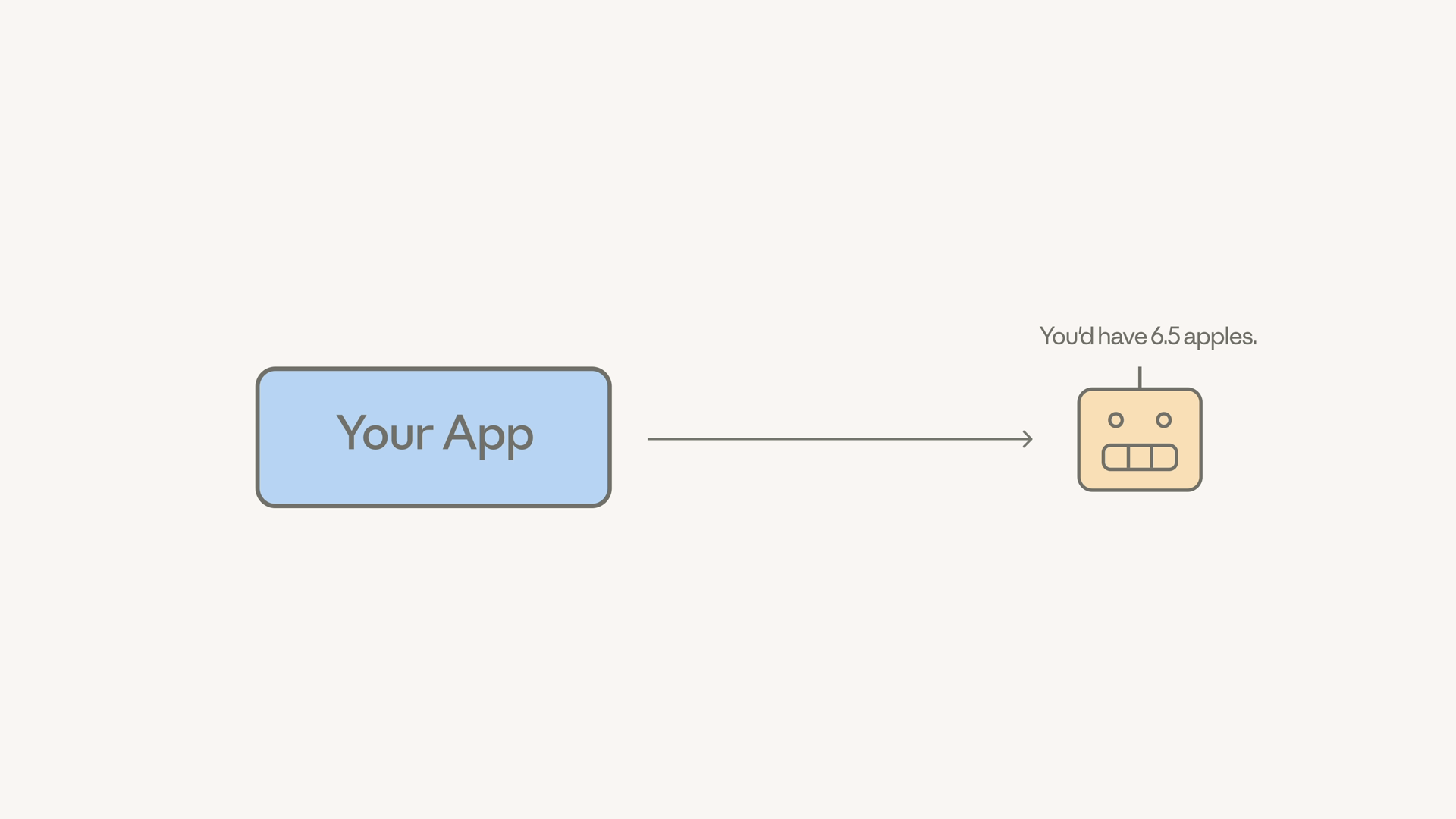
Here's the failure mode we're trying to avoid. Ask a model a multi-step question and have it answer immediately, and it can confidently get it wrong:
What is extended thinking?
Extended thinking lets Claude reason step by step before producing a final response. When it's enabled, Claude generates internal reasoning tokens — often called a chain of thought — and then delivers the answer. The reasoning isn't hidden: you can see it in the response alongside the final text.
Adaptive thinking on Claude Opus 5
On Opus 5, thinking is adaptive and on by default. There's no token budget to pick: Claude decides dynamically when to think and how much.
To control how much Claude thinks, use the effort parameter. One gotcha: it goes inside output_config, not next to the thinking block. The levels are:
lowmediumhigh(the default)xhigh(extra high)max
When to use it (and when to skip it)
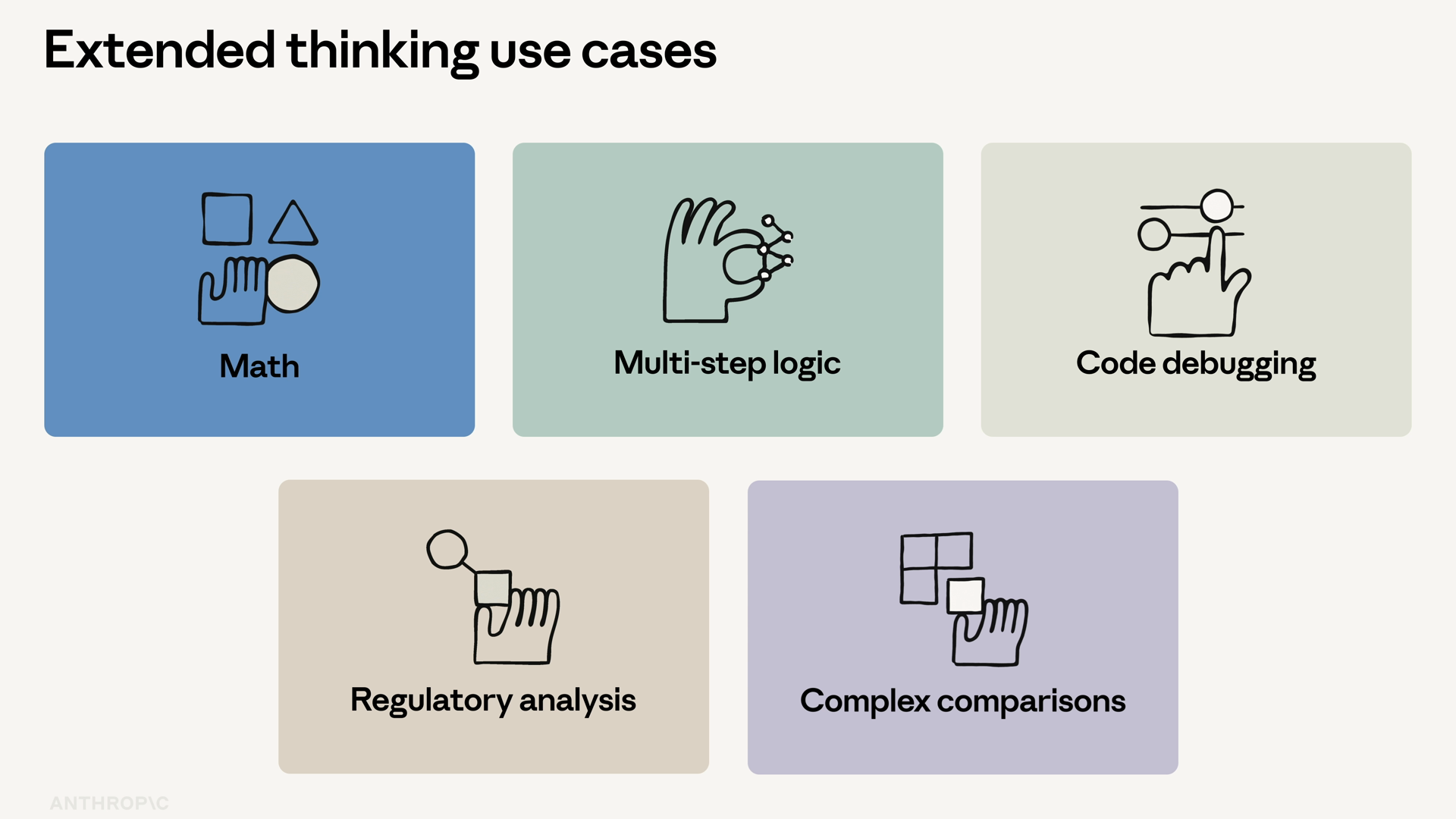
Extended thinking helps with:
- Math and multi-step logic
- Code debugging
- Regulatory analysis
- Anything that involves trade-offs or comparing options
Skip it for simple classification, extraction, or boilerplate. For those tasks it just adds latency and cost without actually improving the results.
Thinking in action
Let's see it work. Here's an agent loop with one weather tool, and we'll ask Claude to plan a road trip out of San Francisco — two stops, weighing weather and drive time. That's a real trade-off, the kind of question where thinking earns its keep.
When you run this, the output is more interesting than usual. You'll see thinking blocks where Claude works through the trade-offs, followed by tool calls to check each city, and finally a text block with the actual recommendation.
The reasoning is visible — that's the whole point.
Why this matters in production
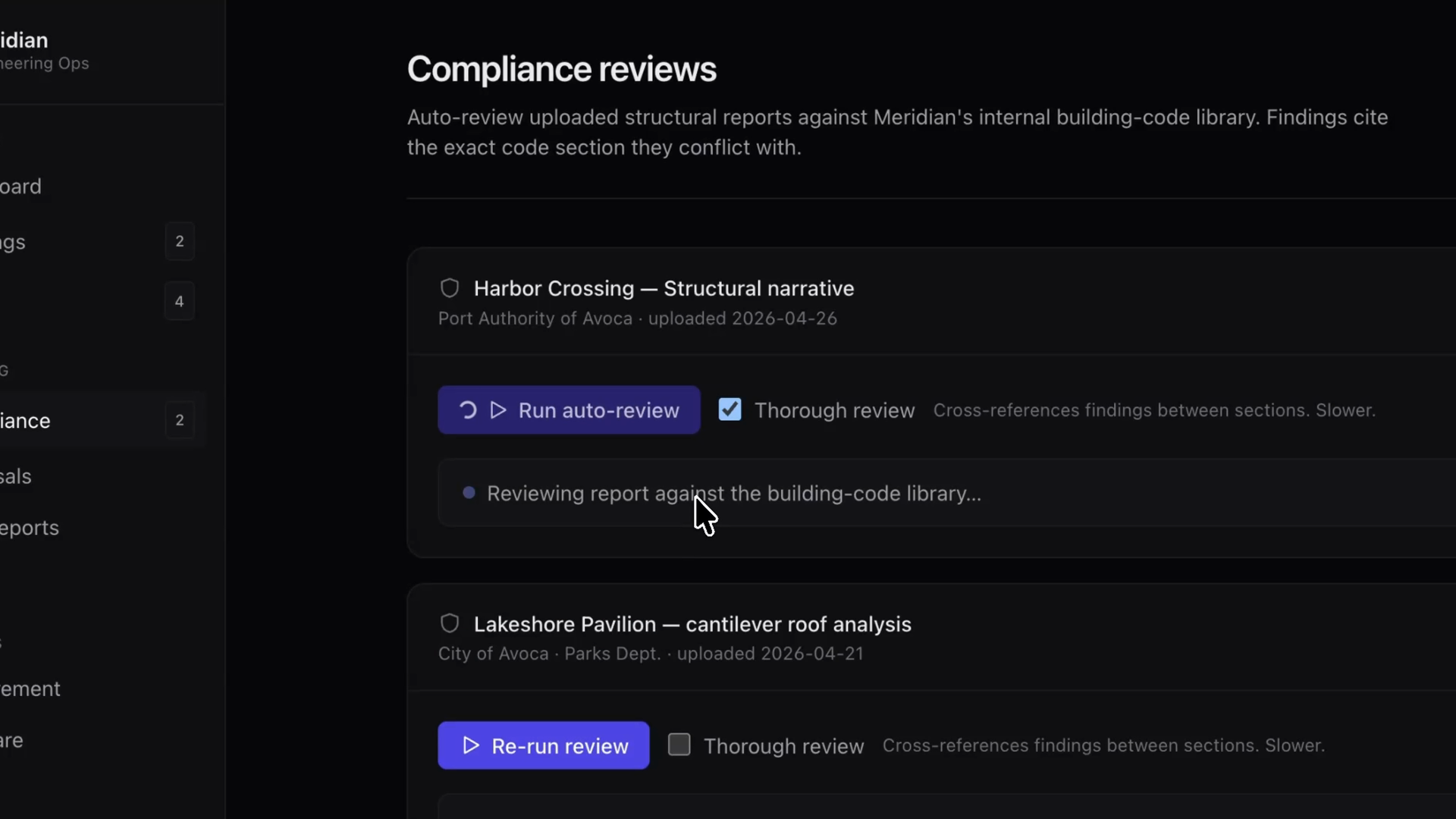
In a production app, this is the difference between an agent that finds problems one at a time and an agent that connects them. Take a compliance review app: toggling adaptive thinking on the auto-review call lets the agent reason across report sections — catching things like a wind load spec in section three that conflicts with the material spec elsewhere in the document.
Recap
- Extended thinking gives Claude room to reason before it answers, and the reasoning is visible in the response.
- On Opus 5, adaptive thinking is on by default — no token budget needed. Add
"display": "summarized"to see the reasoning in the response. - Dial the depth with the effort parameter inside
output_config:low,medium,high(default),xhigh, ormax. - Use it for hard, trade-off-heavy problems. Skip it for simple ones — there it just costs latency and tokens.