Context management
Every request you send Claude has a context window. A million tokens sounds like a lot, but it runs out faster than you think once you're shipping a real agent. That's where context management comes in: it's how you stay inside the window without losing what matters.
한국어 대본
- 00:00Claude에 보내는 모든 요청에는 컨텍스트 윈도우가 있습니다.
- 00:04100만 토큰은 많아 보이지만 실제 에이전트를 운영하기 시작하면 생각보다 빠르게 소진됩니다.
- 00:10바로 여기서 컨텍스트 관리가 필요합니다.
- 00:12중요한 것을 잃지 않고 윈도우 안에 머무르는 방법입니다.
- 00:16컨텍스트는 특정 턴에 Claude가 보는 모든 것입니다.
- 00:20시스템 프롬프트, 메시지 기록, 도구 정의, 도구 결과, 첨부 파일, Skills, 사고 블록입니다.
- 00:27모든 API 호출에 들어가는 입력입니다.
- 00:29들어올 때도 비용을 내고 나갈 때도 비용을 냅니다.
- 00:32가득 차면 요청이 실패합니다.
- 00:34목표는 모든 것을 넣는 것이 아닙니다.
- 00:36올바른 것을 넣는 것이 목표입니다.
- 00:39Anthropic은 컨텍스트와 장시간 실행 에이전트를 관리하는 네 가지 패턴을 제시합니다.
- 00:43세 가지는 일급 API 기능이고 하나는 디자인 패턴입니다.
- 00:47그중 하나는 적시에 불러오는 컨텍스트입니다.
- 00:49모든 것을 처음부터 로드하지 마세요.
- 00:51에이전트가 지금 필요한 것을 로드하고, 요청하면 도구를 통해 더 가져오게 하세요.
- 00:56컴플라이언스 검토 에이전트의 시스템 프롬프트에 전체 건축 법규집을 넣지는 않습니다.
- 01:01섹션이 필요할 때 lookup building code를 호출합니다.
- 01:05대화가 길어지면 Anthropic의 서버 측 압축이 이전 내용을 하나의 블록으로 요약합니다.
- 01:11이처럼 edits를 담고 type을 지정하는 컨텍스트 관리 키를 추가합니다.
- 01:16입력이 트리거 임계값을 넘으면 API가 자동으로 요약합니다.
- 01:20프롬프트 캐싱을 사용하면 요청의 안정적인 부분을 표시할 수 있습니다.
- 01:22시스템 프롬프트, 도구 정의, 긴 문서를 여러 호출에서 훨씬 적은 비용으로 재사용합니다.
- 01:29시스템 프롬프트가 4,000토큰이고 시간당 100번 호출한다면
- 01:33캐싱은 감당할 수 있는 청구서와 재무팀의 전화 사이의 차이입니다.
- 01:38일부 컨텍스트는 세션을 넘어 유지되어야 합니다.
- 01:40사용자 환경 설정, 에이전트의 진행 중 메모, 지난주에 결정한 사항 같은 것입니다.
- 01:44권장되는 기본 요소는 메모리 도구입니다.
- 01:46Claude는 추론하고 도구 호출을 통해 memories 디렉터리를 작성합니다.
- 01:49스토리지 백엔드는 클라이언트 측에서 구현합니다.
- 01:51파일 시스템, 데이터베이스, 암호화된 저장소 등 원하는 형태일 수 있습니다.
- 01:56Anthropic은 Claude에게 memories 디렉터리를 확인하라는 시스템 지침을 자동으로 주입합니다.
- 02:00작업을 시작하기 전에 말입니다.
- 02:02프로덕션 앱에서는 보통 네 가지를 모두 한 번에 적용합니다.
- 02:05컴플라이언스 검토 에이전트는 시스템 프롬프트와 도구 정의를 캐시하고 건축
- 02:09법규 섹션은 lookup building code를 통해 적시에 가져옵니다.
- 02:12각 패턴은 서로 다른 실패 모드를 처리합니다.
- 02:15비용, 윈도우 크기, 상태 비저장성입니다.
- 02:17문제가 발생한 부분에 맞는 패턴을 선택하세요.
- 02:21컨텍스트는 무료가 아니며 무한하지도 않습니다.
- 02:27적시에 로드하고, 오래된 내용은 압축하며, 세션 간에 유지해야 할 것을 기억하세요.
- 02:34네 가지 패턴이지만 목표는 하나입니다.
- 02:36직접 연결하거나, 캐싱과
- 02:40압축이 기본으로 활성화된 Claude Managed Agents를 사용하세요.
What counts as context
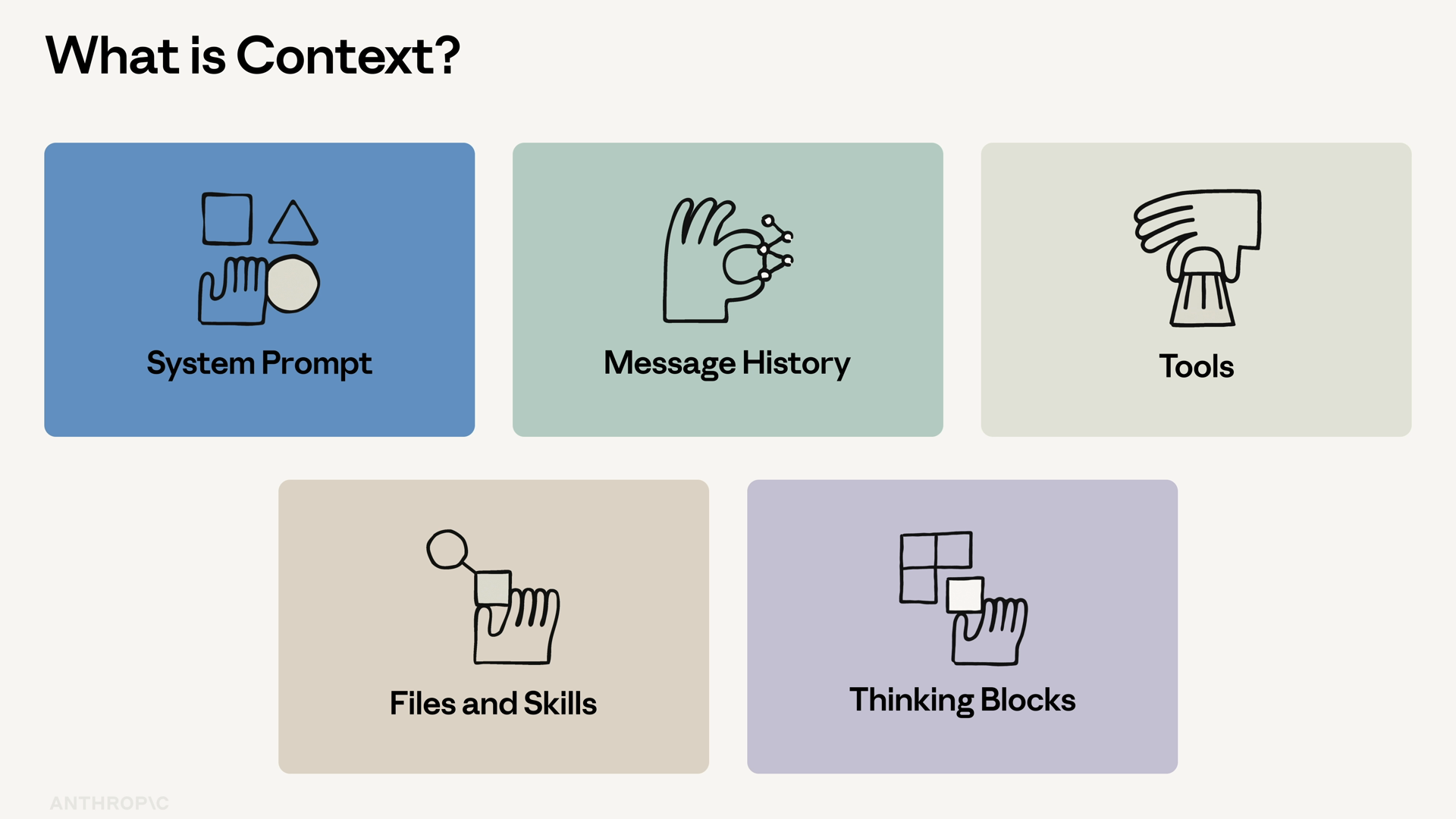
Context is everything Claude sees on a given turn:
- The system prompt
- The message history
- Tool definitions and tool results
- Attached files and skills
- Thinking blocks
It's the input to every single API call. You pay for it on the way in, and you pay for it on the way out. And once the window is full, the request fails.
So the goal isn't to fit everything in. The goal is to fit the right things in.
Anthropic publishes four patterns for managing context in long-running agents. Three are first-class API features, and one is a design pattern.
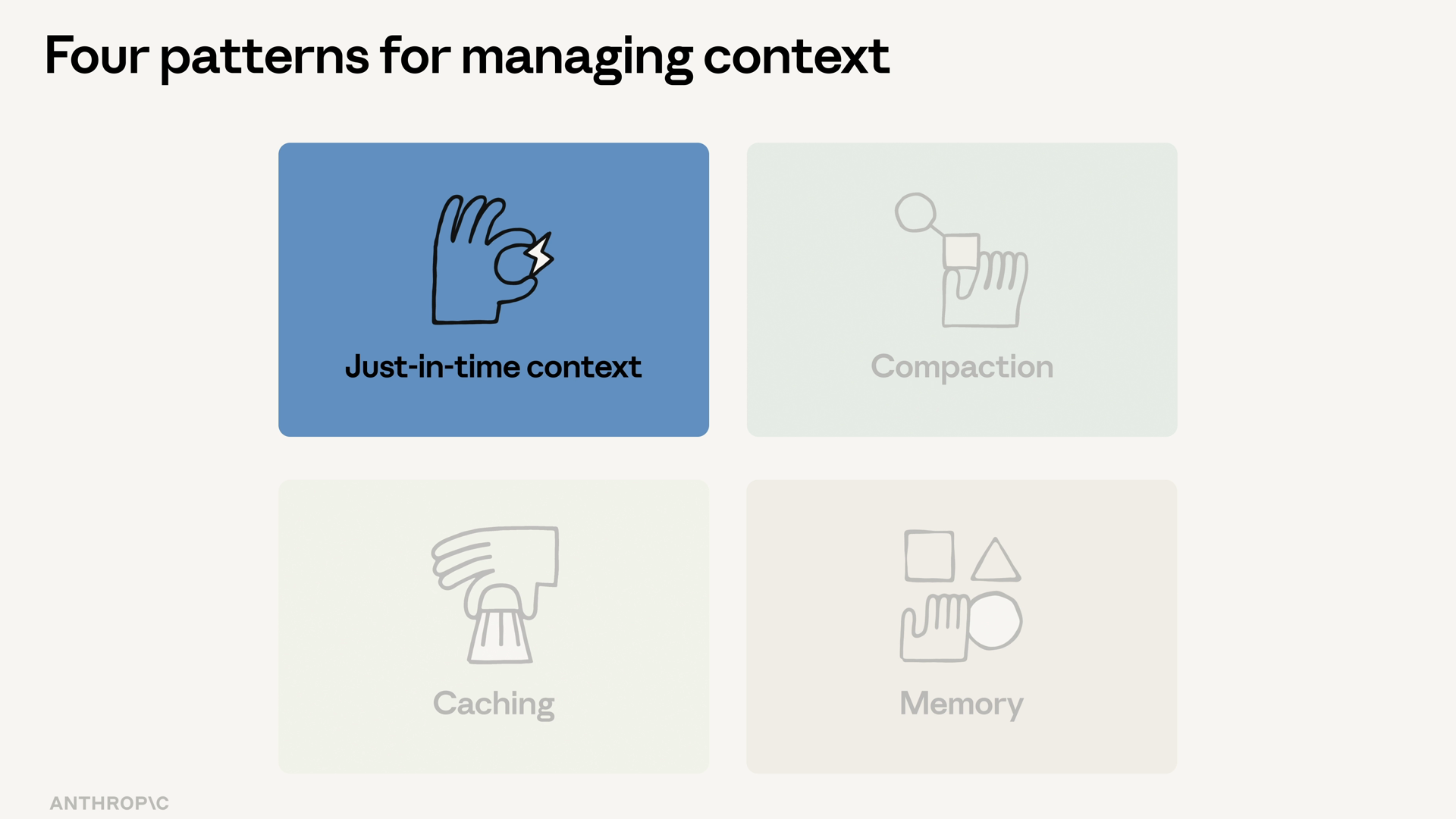
Pattern 1: Just-in-time context
Don't load everything upfront. Load what the agent needs now, and let it pull more in via tools when it asks.
Think of a compliance review agent. It doesn't get the entire building code book stuffed into its system prompt — it calls a lookup_building_code tool when it needs a specific section. This is the design pattern of the four: nothing special in the API, just a deliberate choice about what you load and when.
Pattern 2: Server-side compaction
When a conversation runs long, Anthropic's server-side compaction summarizes old turns into a single block. You opt in by adding a context_management key to your request, holding an edit with a type:
The API auto-summarizes when the input crosses the trigger threshold. You don't have to track conversation length yourself.
Pattern 3: Prompt caching
Prompt caching lets you mark the stable parts of a request — the system prompt, the tool definitions, a long document — and reuse them across calls at a fraction of the cost.
The math matters more than it looks. If your system prompt is 4,000 tokens and you call it 100 times an hour, caching is the difference between a usable bill and a phone call from finance.
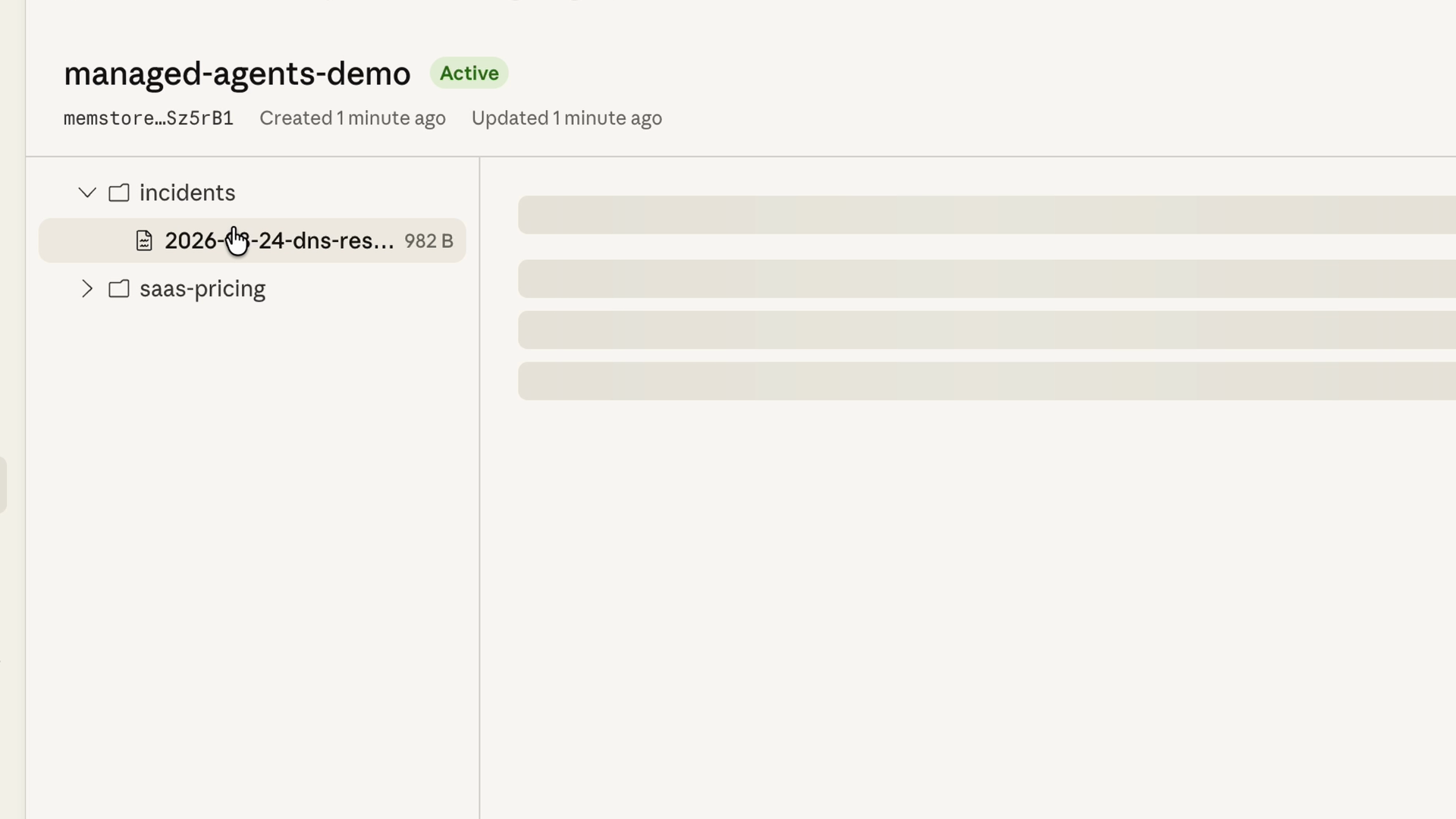
Pattern 4: The memory tool
Some context needs to survive across sessions: user preferences, the agent's running notes, what was decided last week. The recommended primitive for this is the memory tool.
Here's how it works:
- Claude reads and writes to a memory directory via tool calls.
- You implement the storage backend client-side — a file system, a database, an encrypted store, whatever you want.
- Anthropic auto-injects a system instruction telling Claude to check the memory directory before starting work.
Layering the patterns
In a production app, you'll usually layer all four at once. The compliance review agent caches its system prompt and tool definitions, and pulls building code sections in just in time via lookup_building_code.
Each pattern handles a different failure mode: cost, window size, statelessness. Pick the ones that match what's breaking for you.
Recap
- Context is everything Claude sees on a turn — and it isn't free or infinite. Once the window fills, the request fails.
- Just-in-time context: load what's needed now, let tools pull in the rest. This is the design pattern of the four.
- Server-side compaction: add a
context_managementkey, and the API summarizes old turns automatically when input crosses the trigger threshold. - Prompt caching: mark stable parts of the request and reuse them across calls at a fraction of the cost.
- The memory tool: Claude reads and writes a memory directory via tool calls; you own the storage backend, so context survives across sessions.
- Four patterns, one goal. Wire them up by hand, or use Claude managed agents, which ship with caching and compaction on by default.