Claude Code 101

터미널에 상주하는 에이전틱 코딩 도구입니다. Claude Code가 무엇인지, 어떻게 작동하는지, 그리고 이를 활용해 실제 작업을 수행하는 핵심 워크플로우를 알아보세요.

12 레슨1시간1 퀴즈수료 배지
학습 내용이 강좌를 마치면
  • AI 코딩 에이전트가 무엇인지, Claude Code가 채팅 기반 AI 도구와 어떻게 다른지 설명합니다
  • 에이전틱 루프, 컨텍스트 윈도우, 도구, 권한이 어떻게 함께 작동하는지 이해합니다
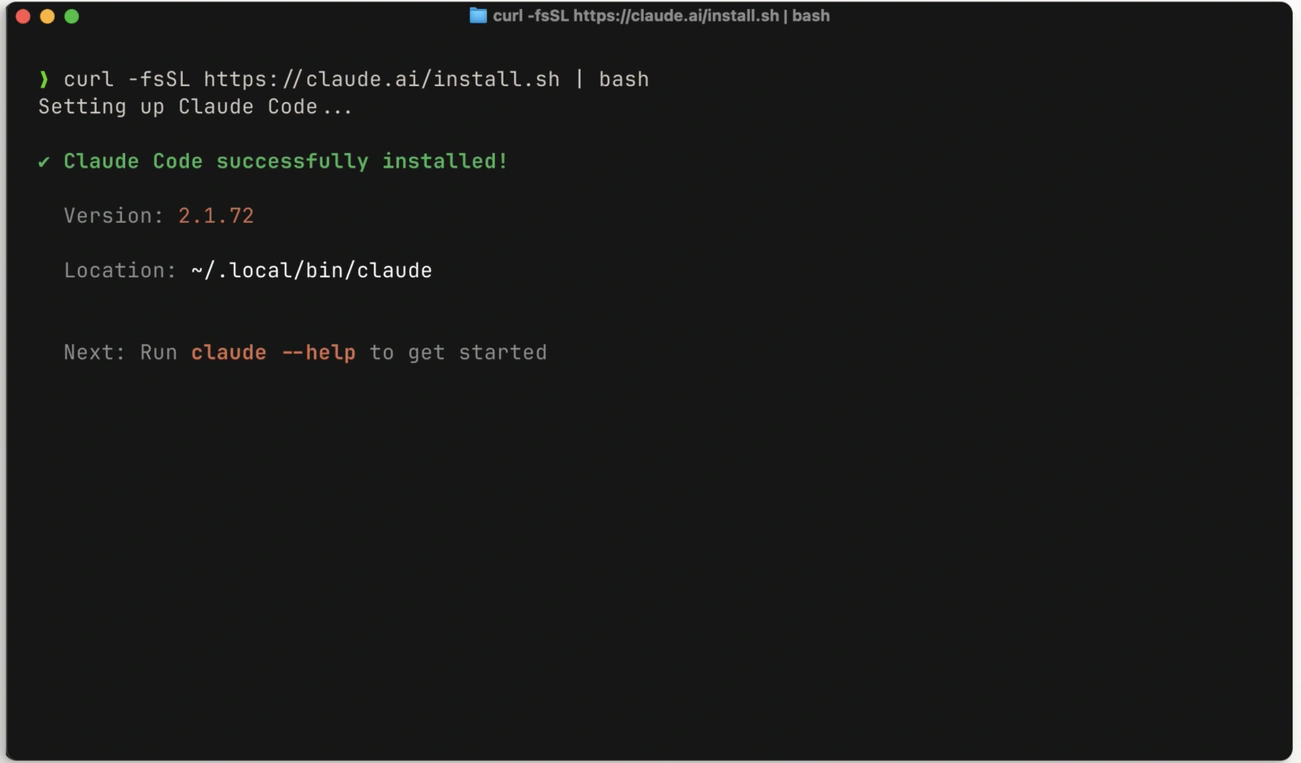
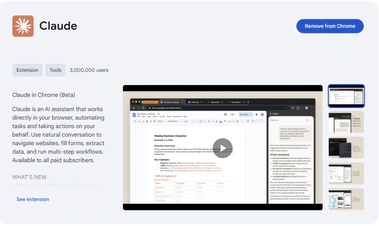
  • 터미널, VS Code, JetBrains, Claude Desktop 또는 웹에서 Claude Code를 설치하고 설정합니다
  • 수동 모드, 자동 승인, Plan Mode를 사용하여 효과적인 프롬프트를 작성합니다
  • 모든 기능이나 작업에 대해 Explore → Plan → Code → Commit 워크플로우를 따릅니다
  • 생산성을 유지하기 위해 /compact, /clear, /context로 컨텍스트 윈도우를 관리합니다
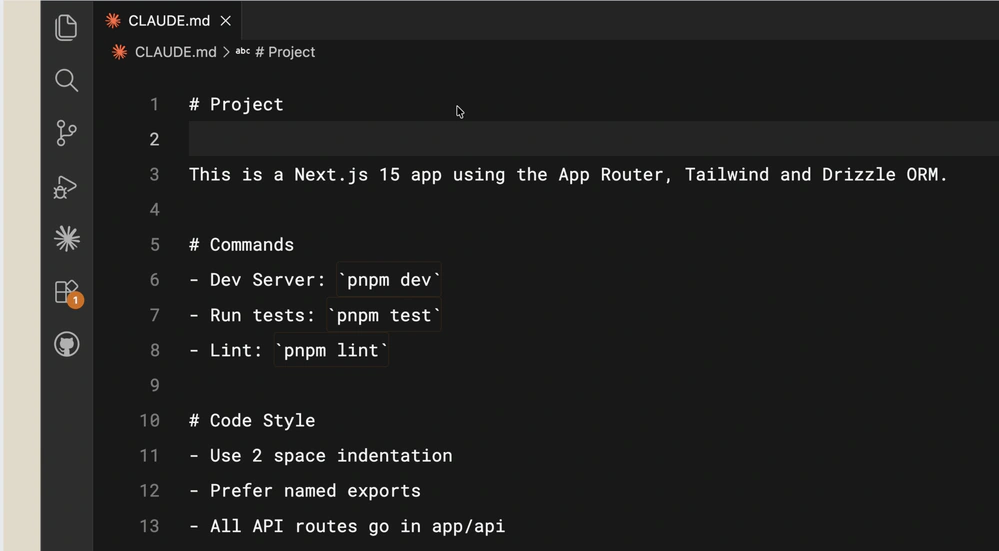
  • Claude에 지속적인 프로젝트 메모리를 제공하기 위해 CLAUDE.md 파일을 생성하고 유지 관리합니다
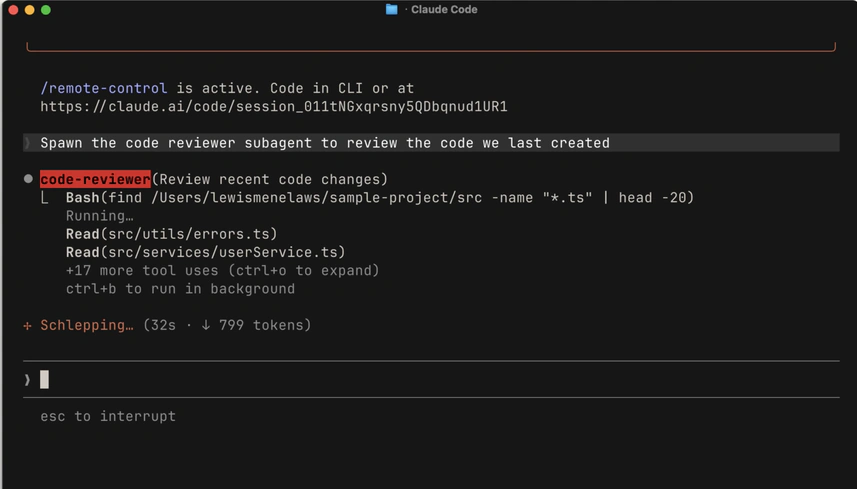
  • 작업을 위임하고 메인 컨텍스트를 깨끗하게 유지하기 위해 커스텀 서브에이전트를 구축합니다
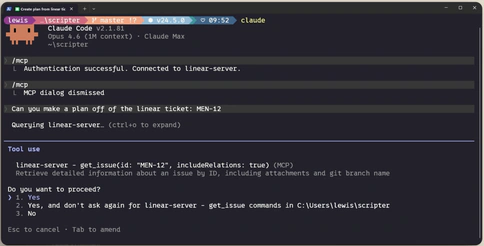
  • MCP 서버를 사용하여 외부 도구와 데이터 소스를 연결합니다
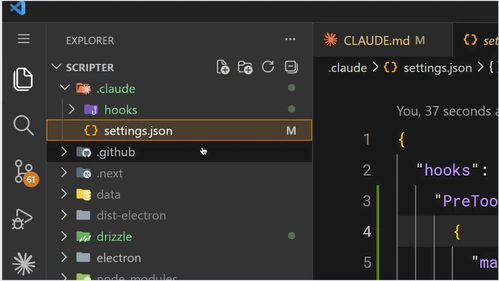
  • 포맷팅, 명령 차단, 알림에 대한 결정론적 제어를 위해 훅을 작성합니다

Claude Code 101은 소프트웨어 엔지니어링을 처음 접하는 개발자든, AI 코딩 에이전트를 아직 탐구해보지 않은 숙련된 엔지니어든 모두를 위해 설계되었습니다. 이 과정은 설치부터 고급 커스터마이징까지 모든 것을 안내하며, 일상 워크플로우에서 Claude Code를 효과적으로 사용하는 방법을 알려드립니다.

전제 조건

  • 코드 에디터와 명령줄에 대한 기본적인 숙지
  • Claude 계정(Pro, Max 또는 Enterprise) 또는 API 키

이 과정의 대상

소프트웨어 엔지니어링을 시작하며 처음부터 AI 지원 워크플로우를 배우고 싶은 신입 개발자, 그리고 코딩 에이전트에 관심은 있지만 아직 시도해보지 않은 숙련된 엔지니어를 위한 과정입니다.
Inside the course

Claude Code란 무엇인가요?

2 lessons

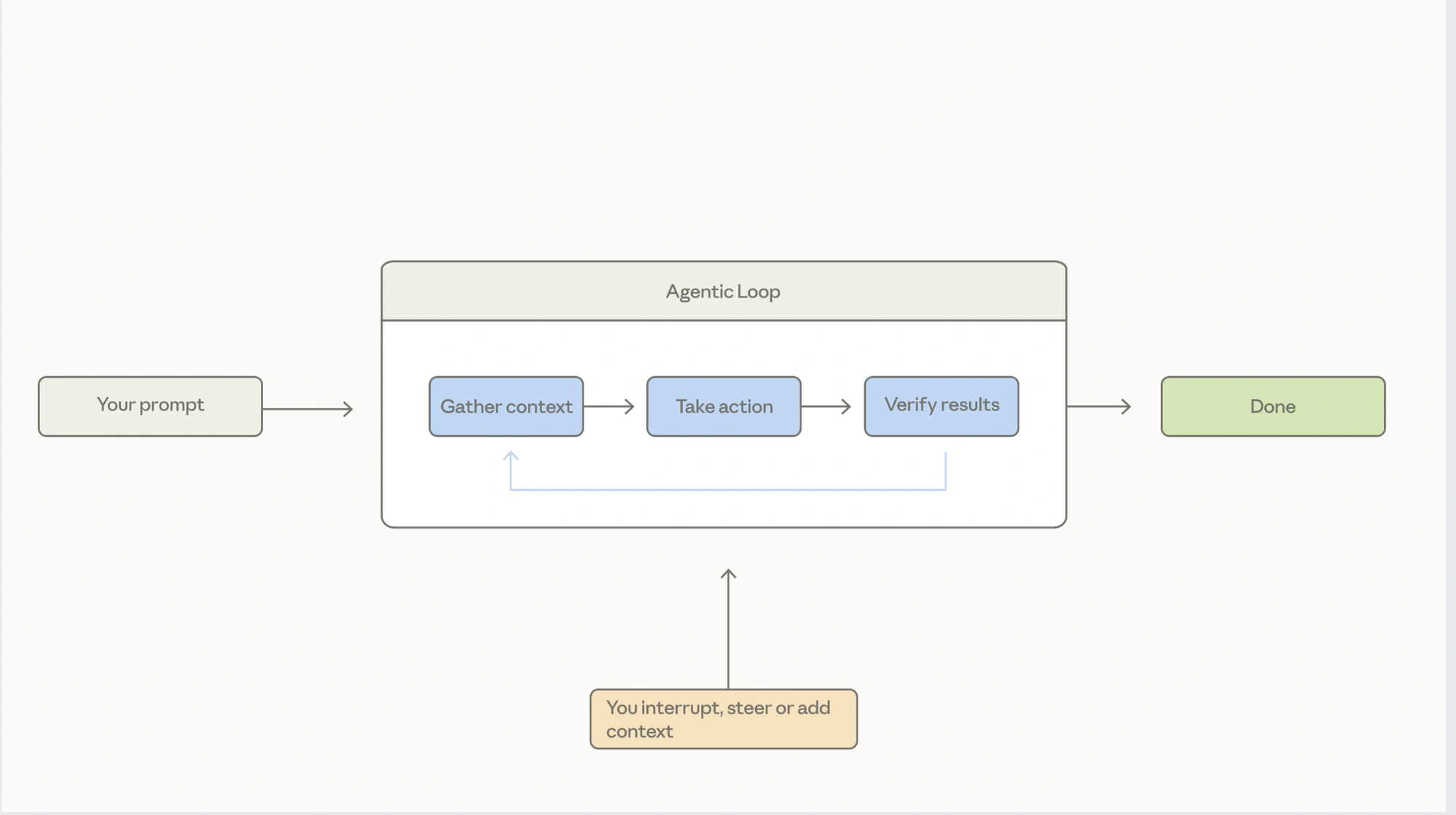
Before you write your first prompt, it helps to know what's actually happening when Claude Code runs. This section explains what separates an AI coding agent from a chat-based assistant, then walks through the agentic loop — gather context, take action, verify results — and the tools and permissions that govern each step. You'll come away with a mental model that makes everything in the rest of the course click.

첫 번째 프롬프트

2 lessons

Get Claude Code running wherever you already work — in the terminal, inside VS Code or JetBrains, in Claude Desktop, or on the web. Then write your first prompt and see how approval mode, auto-accept, and Plan Mode change the way Claude responds, so you can pick the right level of oversight for the task in front of you.

일상 워크플로우

3 lessons

This is where Claude Code becomes part of how you ship. Learn the Explore → Plan → Code → Commit rhythm for tackling real tasks, use the context-management commands to keep long sessions fast and focused, and put Claude to work reviewing code — your own and your teammates' — before it lands.

Claude Code 커스터마이징

5 lessons

Out of the box, Claude Code is general-purpose. This section shows you how to make it yours: write a CLAUDE.md file so it remembers your project's conventions, build subagents and skills for the workflows you repeat, wire in external systems through MCP servers, and add hooks for deterministic guardrails. By the end you'll have a setup tuned to the way your team actually works.